
Are your mobile devices safe? Cyber threats like malware (harmful software) and phishing (scams that trick you into giving up your information) are rising. Smartphones hold your bank details, work files, and personal data, which makes them easy targets for hackers.
You can protect your phone by updating your software often and downloading apps only from trusted app stores. This post breaks down the basics of mobile security and shows you simple steps to safeguard your digital life.
Stay safe and stay smart. It's time to focus on mobile security.
Essential Mobile Security Fundamentals
Mobile security helps keep your smartphone, tablet, and other portable devices safe from cyberattacks like malware (bad software), phishing (tricks to steal your info), and unauthorized access. Today, mobile devices hold sensitive financial, work, and personal data just like desktop computers. For example, updating your operating system is as important as locking your front door when you use your phone for banking.
Mobile security means using methods and processes to block cyber threats. This includes downloading apps only from trusted stores, installing key software updates, and using strong encryption on your device. iOS devices come with built-in encryption, while Android devices use file-based encryption that depends on the maker. These steps stop others from easily getting to your data.
The basics of mobile security follow the same ideas as protecting any computer. You need to keep your data secret (confidentiality), make sure it stays correct (integrity), confirm the right person is using it (identity), and ensure actions cannot be denied later (nonrepudiation). For example, setting up biometric checks (using your fingerprint or face) confirms your identity and helps stop unwanted access.
Smartphone security is more important now because these devices handle and send data like desktop computers. Regular updates close security gaps that hackers might use. By following these core rules and steps, you build a stronger shield against threats that risk both your personal and professional information.
Identifying and Mitigating Mobile Security Threats
Mobile devices face many risks. They can be hit by malware like ransomware and cryptojacking, phishing via text or email, insecure Wi-Fi networks, outdated software, and apps that ask for too many permissions. These threats let attackers steal personal data or take control of your device. For example, you might receive a text that looks like it’s from your bank urging you to click a link. One in three security experts reported a mobile breach, proving these issues are common.
A survey of 670 security pros found that one in three experienced a mobile breach. Nearly half (47%) said the fix was expensive, and 64% reported service downtime. Phishing remains the top attack, as scammers pretend to be trusted banks or services to steal sensitive details and credit card data. Spotting these tricks early can make a big difference. Key detection methods include watching for unusual app actions, flagging unknown sources trying to access important features, and using built-in security alerts.
Start by using malware prevention techniques and updating your operating system regularly. Check your apps for strange permissions and be cautious with messages from unknown senders. Early actions to protect yourself include:
- Installing antivirus apps that scan for malware and warn of attacks.
- Avoiding unsecured public Wi-Fi or using a trusted VPN when needed.
- Limiting each app’s permissions to only what is necessary.
By following these steps and staying alert to phishing attempts, you can significantly reduce mobile security risks. Early detection and fast action are crucial to keeping your mobile device safe.
Evaluating Top Device Antivirus Solutions and Comparisons
Mobile antivirus apps are growing fast. Experts expect them to increase by 3.76% each year from 2025 to 2029, while PC antivirus software will barely grow. This trend shows a clear need for strong malware scanning tools that protect devices holding sensitive information.
Antivirus apps are judged by several factors. Scanning accuracy shows how well the app finds threats in real time. Real-time alerts let users react immediately, and low resource use keeps your device running smoothly without draining the battery. Regular updates are essential too, as they ensure the app defends against the latest threats. Consider this surprising fact: one antivirus app once blocked 99% of malware without affecting the device’s performance, proving that high accuracy and speed can coexist.
There is a clear difference between free and premium options. Free apps usually offer basic virus removal and essential scanning. Premium apps, however, add extra features such as business-level endpoint management and support for rules like GDPR (European data protection regulations) and HIPAA (U.S. health privacy standards). These extra features are ideal for business users or anyone who wants advanced protection.
Users should look for:
- Verified scanning accuracy for quick threat detection
- Efficient use of resources for smooth device performance
- Regular updates to counter new threats
By comparing these features and performance details, you can choose an antivirus solution that meets your needs and offers solid protection across various mobile platforms.
Best Practices for App Security and Permissions Management
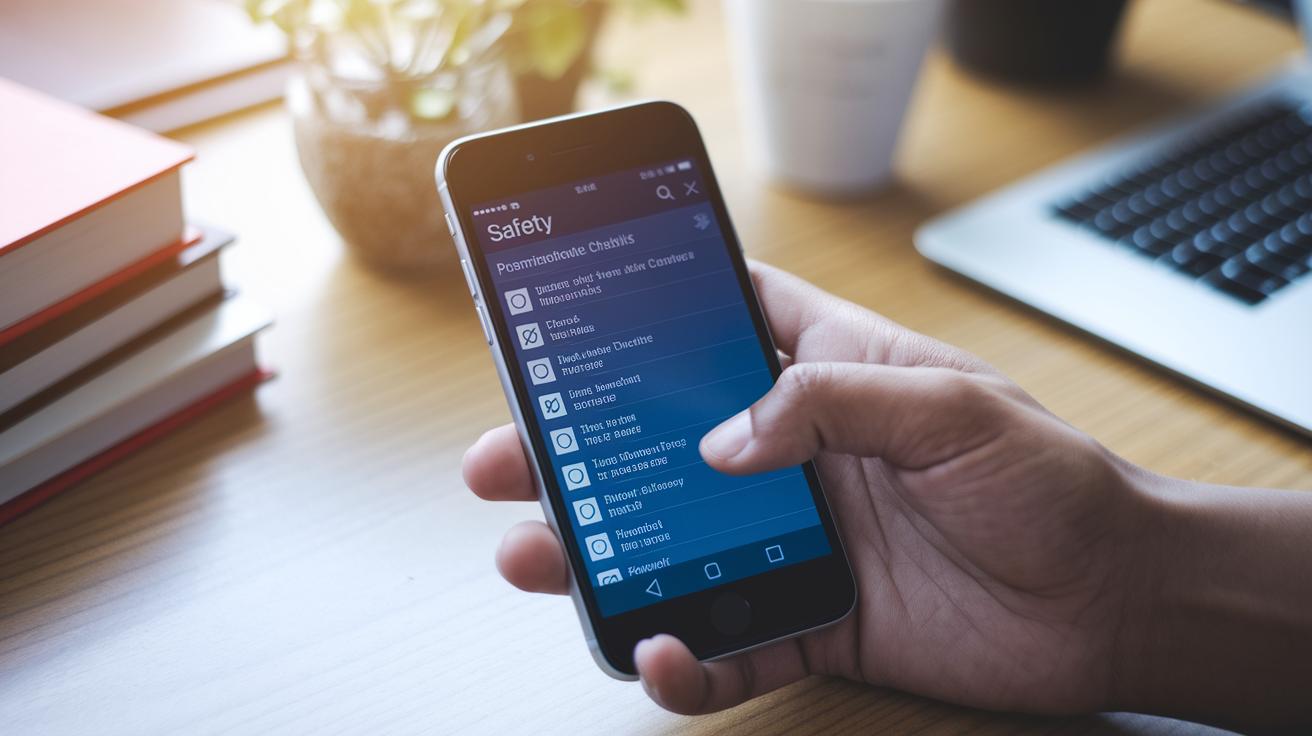
It is important to check your apps carefully before installing them. iOS reviews apps strictly, and Android allows side-loading, which means installing apps from other sources. This can be risky if the app does not come from a trusted place. Only download apps from trusted sources. A safe app works like a strong gate that keeps intruders out.
Begin by checking app permissions. Look at what each app wants to use, such as the camera, microphone, or location. Getting rid of apps you no longer use can also help reduce risks.
Key practices include:
- Downloading apps only from official app stores.
- Testing apps for vulnerabilities by checking if the code is encrypted and doing a static analysis (a close look at the source code).
- Updating apps regularly by installing patches as soon as they are available.
- Running periodic checks on your installed apps to ensure they remain secure.
By following these steps, you lower the chance of falling victim to app-based exploits. Regularly checking your apps is like always checking the locks on your home. This simple routine helps keep unwanted intruders out and protects your personal data.
Encryption, Data Privacy, and Secure Communication on Mobile
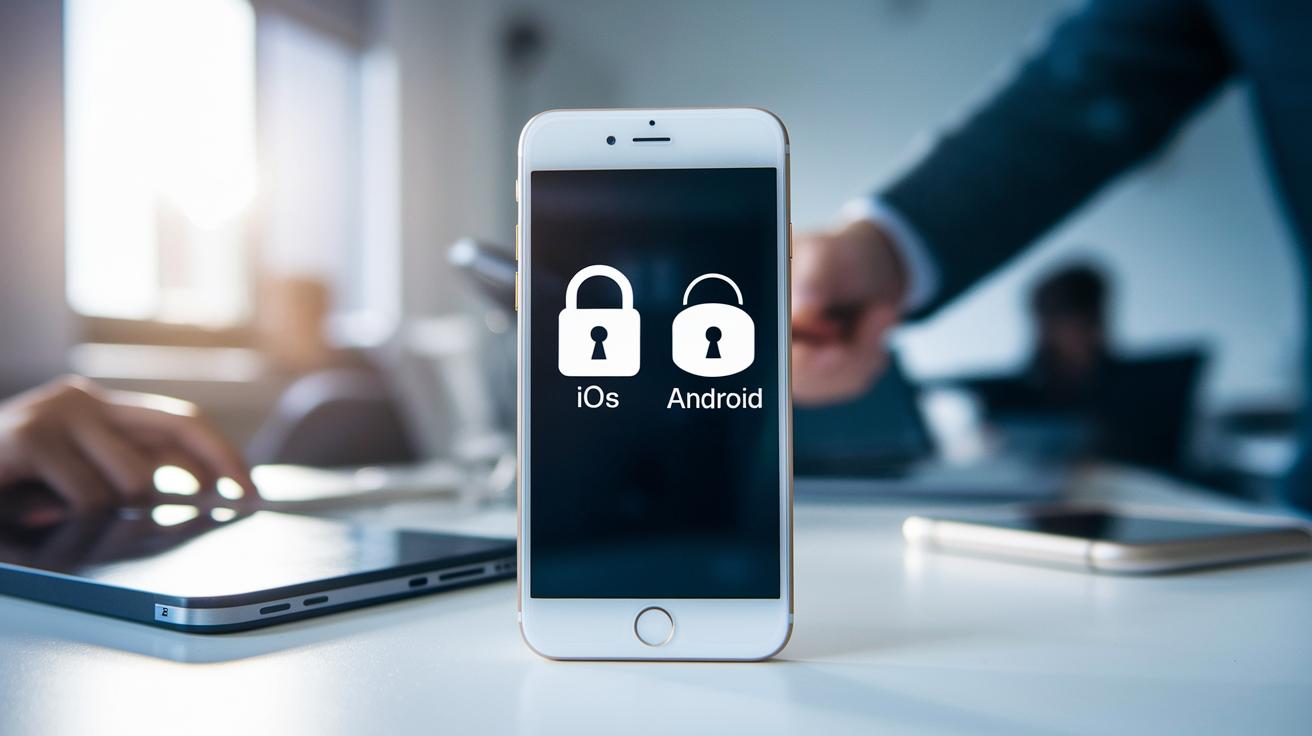
Both iOS and Android devices protect your data with encryption. iOS devices use full-disk encryption by default so your data stays safe if your phone is lost or stolen. Android devices use file-based encryption, so only some files are protected at a time. The strength of Android's encryption can change from one device maker to another.
Changing your privacy settings is important. Always update your operating system to fix security gaps. When you set up your phone, turn on features that lock down your data and manage which apps can access your information. This means enabling encryption and carefully checking app permissions.
Messaging apps like Signal and WhatsApp use end-to-end encryption to keep your chats private. Many users assume their texts are safe, but only encrypted messaging guards your messages from prying eyes. These platforms keep your messages secret even if someone tries to intercept them.
For backups, you can choose between encrypted local backups and encrypted cloud backups. Local backups give you more control, while cloud backups are convenient and often follow rules like GDPR (General Data Protection Regulation) and CCPA (California Consumer Privacy Act). Consider the benefits of each option to meet your privacy needs.
Keep your device settings current and trust strong encryption to secure your data and communications.
Network Protection: Safe Connectivity and VPN Usage
When you use public Wi-Fi, you must understand the risks. Open networks can let hackers steal your data. For example, connecting to a café network without care might let cyber attackers listen to your private messages.
A VPN (Virtual Private Network, which secures your internet connection) helps by encrypting your data on any network. Choose a VPN from a trusted provider that keeps no logs. This encryption hides your activities and stops hackers from easily tracking you.
Keep your network safe by following these tips:
- Turn off auto-join on your smartphone and gadgets.
- Use strong Wi-Fi settings like WPA3 on your home router.
- Regularly update your router's firmware to fix any security gaps.
Before joining a new network, check its safety. Make sure it is secure and look for any unusual devices connected. With smart settings, strong encryption, and regular checks, you can lower your risk of cyber threats.
Advanced Mobile Security: Biometric Authentication and Remote Wipe
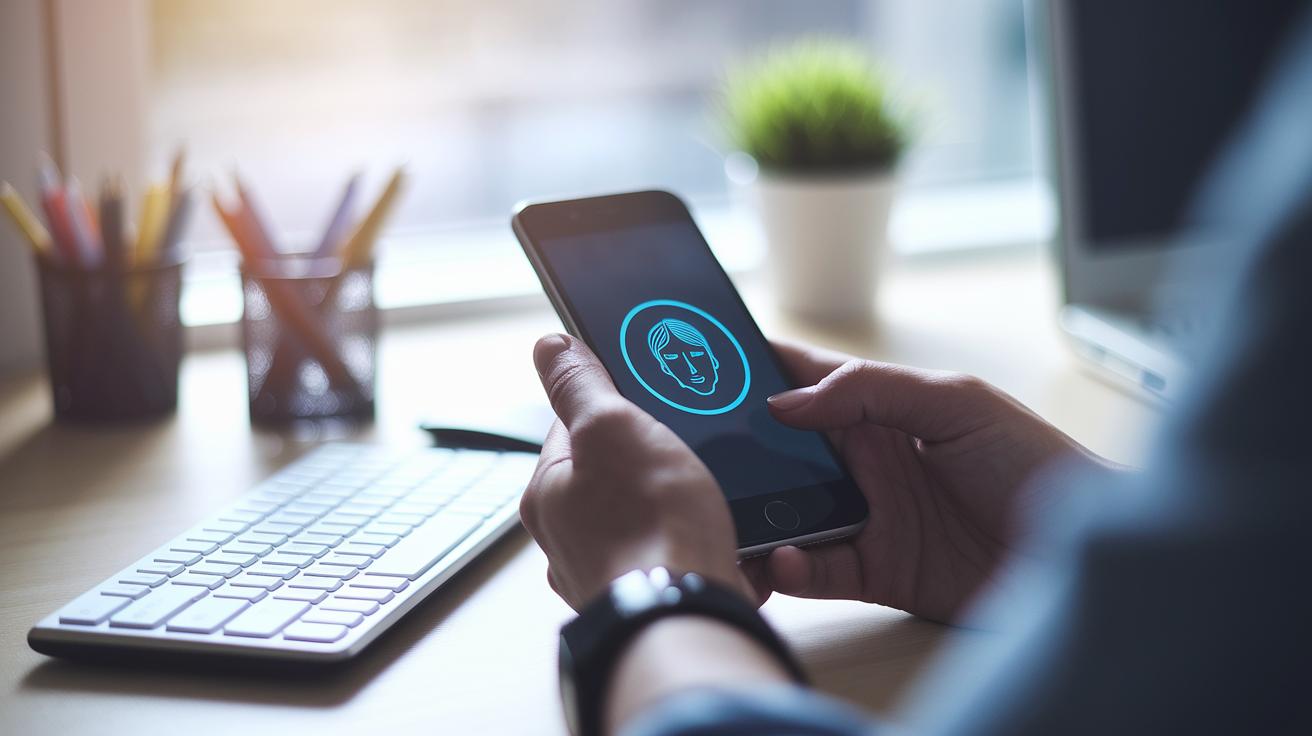
Modern mobile devices include robust defenses to protect your data. They use fingerprint checks, facial recognition, and two-factor authentication to secure access. For instance, facial recognition lets you unlock your phone quickly, keeping your information safe from unauthorized users.
If your phone goes missing or is stolen, remote wipe features like Find My Device can erase your data instantly. This step ensures that even if someone takes your device, your personal details remain protected.
Businesses benefit from mobile-device management tools. These systems let you monitor devices centrally, set up geofencing (virtual boundaries to restrict device movement), and enforce compliance automatically. They combine biometric checks with anti-theft features to help respond quickly when a breach occurs.
Key security measures include:
- Setting up fingerprint or facial-recognition methods.
- Enabling remote wipe options immediately if a device is lost.
- Using enterprise monitoring solutions for control and regulatory compliance.
By combining these steps, users and organizations can build a strong defense to prevent unauthorized access and limit potential damage.
Final Words
In the action, this post outlined mobile security basics for modern devices. It covered key principles from threat detection to antivirus options and safe app practices. We broke down encryption, network protection and advanced features like biometric authentication into clear, actionable steps. These guidelines help you defend your data and reduce risks in everyday use. With reliable practices in place, staying secure feels more manageable, letting you move ahead with confidence.
FAQ
What is meant by mobile security?
The term mobile security describes techniques that secure mobile devices (phones, tablets) from malware, phishing, and unauthorized access using encryption, regular updates, and controlled app permissions.
How do mobile security apps and software protect my device?
Mobile security apps and software work to secure your device through antivirus scans, safe browsing tools, real-time alerts, and features like remote wipe and VPNs that encrypt data on public networks.
What is the best security for my mobile phone?
The best security for your mobile phone depends on your needs. Options like Bitdefender, F-Secure, Trend Micro, and ESET offer strong protection with features that include malware defense, VPN services, and remote monitoring.
What are some examples of mobile security solutions?
Mobile security solutions include antivirus apps, secure messaging platforms, mobile VPNs, and remote wipe tools, all designed to protect personal data and ensure safe connectivity on your device.
Can someone watch everything I do on my phone?
Someone can access your phone activities if spyware or malicious apps are installed. Using trusted security software and keeping your operating system updated helps protect your privacy.
What are mobile security jobs?
Mobile security jobs involve roles centered on protecting mobile devices and networks. Professionals in this field focus on threat detection, implementing security protocols, and managing vulnerabilities to prevent cyberattacks.
What is mobile security certification?
Mobile security certification is a professional credential that verifies expertise in securing mobile platforms, implementing protective measures, and safeguarding data on smartphones and tablets.
What does a mobile security VPN do?
A mobile security VPN encrypts your internet connection to protect your data when using public networks, ensuring that online activities remain private and secure on your mobile device.
Where can I find mobile security resources such as PDFs?
Mobile security PDFs are documents offering guidelines, research, and best practices for protecting mobile devices. They are often available through cybersecurity organizations and educational websites.