

Ever get an email warning about strange account activity? It can feel like someone is watching your life. Google sends live alerts when it spots a login from a new place or when your password changes without warning. Google checks your account all the time for any actions that stray from what you normally do. In this post, we explain these alerts and share simple steps you can take to keep your account safe.
Security Alert Overview: Real-Time Threats and Precautions
Google Security Alerts give you instant updates when something unusual happens on your account. They warn you about sign-ins, password changes, or modifications to recovery details. You may receive an alert via email from no-reply@accounts.google.com or as a notification on your screen. For example, if you see a message saying there was a sign-in from an unknown location, change your password right away.
Google keeps an eye on account activity worldwide. It monitors events like logins from devices you do not usually use, sign-ins from unexpected places, the use of VPN services (tools that hide your online activity), or several failed login attempts. These clues may mean someone is trying to break into your account. The system checks your account behavior constantly and flags any actions that stray from your normal patterns. Experts advise treating these alerts as urgent and checking your account settings before moving forward.
When you get a confirmed alert, act quickly. The alert might include parts of your email or your name to prove it is real. This shows it comes from a trusted source. On the other hand, a generic or poorly formatted message may be a sign of phishing. Always check the sender’s address, hover over any links to see where they lead, and do not click on attachments unless you are sure they are safe. Following these steps can help keep your information secure.
Security Alert Triggers: What Sets Off a Warning

Security systems use smart software to spot actions that might harm your account. For example, if you normally log in from one place and then see a login from another country, the system flags the mismatch in IP addresses. Before Marie Curie became famous, she carried test tubes with radioactive material in her pockets, unaware of the dangers that lay ahead.
Systems also check for VPN logins by comparing IP addresses with known VPN ranges. A login through a VPN can hide your true location and trigger a threat alert when unusual network patterns are detected.
When you try to sign in several times without success, the system calculates a risk score. Several failed attempts in a short period will set off an alert. You might see a message such as "Password attempt blocked due to multiple failures within minutes."
Automatic tools watch for changes to your password and recovery details. If the system spots a password reset or an update to your recovery email that you did not start, it sends a breach alert. For instance, if you get a notice that your recovery email was changed while you were asleep, you should check your account right away.
If you see any warning, review your account activity immediately. Check your recent sign-in logs and update your security details if needed.
| Trigger | Detection Method |
|---|---|
| Unfamiliar sign-ins | Geo-location and IP analysis |
| VPN usage | IP range comparison |
| Multiple failed logins | Risk scoring and time-based alert |
| Password and recovery changes | Automated monitoring tools |
Understanding how these alerts work can help you see how technical safeguards protect your account.
Verifying Security Alert Authenticity to Avoid Scams
Real security alerts never ask you to share private details or include attachments. They always come from no-reply@accounts.google.com and use personal markers such as your name or part of your email. In contrast, fake alerts often use urgent language, generic greetings like "Dear User," and sloppy formatting.
To check if an alert is real, use these steps:
- Look at the sender's address. Only alerts from no-reply@accounts.google.com are genuine.
- Move your mouse over any links to see if they go to accounts.google.com. For instance, an alert saying "Your account has an unusual login attempt" is likely safe if the link shows accounts.google.com. It is suspicious if it points somewhere else.
- Check for personalization. Alerts should use your name or other personal details.
- If anything seems odd, do not click links or open any attachments.
These steps will help you quickly spot phishing attempts and trust only real alerts.
Security Alert Immediate Response: Step-by-Step Actions
When a real security alert pops up, you need to act fast to protect your account. The alert warns you about possible unwanted activity, like a strange device log-in or changes to your settings, and it tells you to stop any harm before it happens.
- Change your Google password right now. If you get an alert about an unexpected sign-in, update your password immediately to block any intruders.
- Look over your recent account activity and remove any devices you do not recognize. This will keep only your trusted devices connected.
- Do not click on any suspicious links. Even if the alert seems urgent, hover over the link to check where it leads before you click.
- Report any phishing attempts using Gmail’s Report phishing tool. This helps protect your account and others.
- Turn on or check your two-factor authentication. This extra step makes it much harder for unwanted users to break in.
Following these steps quickly helps secure your account and keeps you safe in the long run.
Long-Term Security Alert Strategies for Ongoing Protection
Building a strong defense against security problems starts with daily habits. One key practice is to set strong passwords. Use at least 12 characters with a mix of uppercase, lowercase, numbers, and symbols. For example, you might use a password like Ab3#dEf9!Lg0. Update your passwords regularly to keep them secure.
Turning on two-factor authentication is another smart step. This extra layer asks for a second confirmation (like a code sent to your phone) and stops many automated attacks. It adds a barrier that reduces the chance of potential security alerts.
Keeping your recovery information current is just as important. Update your backup email and phone number in your account settings so you can regain access if needed. Think of it as a backup plan that fits into your overall security strategy. Tools like Google's Security Checkup help you spot ways to improve your account security.
Using reliable antivirus software rounds out your defense. It stops malware and harmful programs from getting past your first line of protection. Regular scans and updates will alert you if your system needs attention.
Finally, review your account and device settings every few months. Check your sign-in activity and connected devices for any unfamiliar changes. Together, these steps build a solid framework that keeps your security alerts strong over time.
Security Alert: Live Threat Updates
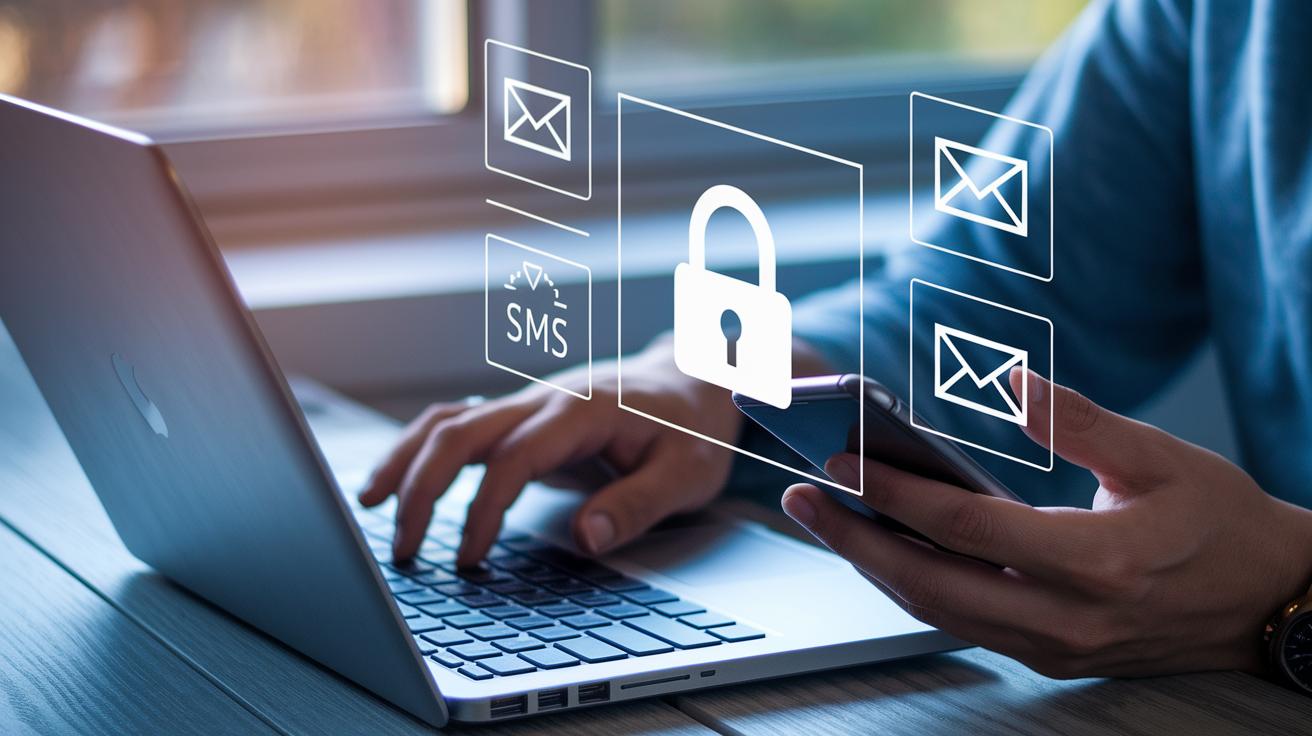
You can choose how you get live threat updates. In your Google Account Security settings, you can set alerts to come by email, SMS, or mobile push notifications on trusted devices. For example, you might get a text when a new device tries to access your account. This makes sure you see every important event fast.
Change your settings so you only get alerts for unknown devices. This stops your normal sign-ins from flooding your alerts while highlighting unusual attempts. It also helps to turn on browser warnings with Enhanced Safe Browsing. This feature alerts you when websites look unsafe or when apps try to change your settings without warning.
There are similar options for vendor update alerts on operating systems and other apps. These alerts inform you of potential threats or important updates. Adjusting these preferences lets you balance notification frequency with your daily routine.
- Log in to your Google Account Security settings.
- Pick email, SMS, or mobile push alerts.
- Set alerts to watch only for devices you do not recognize.
- Turn on Enhanced Safe Browsing in your browser for extra warnings.
| Notification Type | Customization Options |
|---|---|
| Email Alerts | Set the frequency and filter out trusted devices |
| SMS Alerts | Enable to get fast updates on threats |
| Mobile Push Alerts | Activate alerts on chosen devices |
This setup keeps your security alerts clear, quick, and under your control.
Final Words
In the action, readers learned how genuine security alerts work. The post explained how real-time threats trigger email and on-screen warnings, laid out key steps to verify alert authenticity, and offered immediate response actions. It also showed best practices for long-term account safety and tailoring notification settings. This overview stands as a guide to manage security alerts, keeping your account safe from potential breaches. Stay informed, act decisively, and remain positive as you safeguard your digital presence.
FAQ
What is a security alert message?
A security alert message notifies you about suspicious account activity like unauthorized logins or unusual device access. It acts as an early warning to help you protect your information.
What does a security alert today indicate?
A security alert today indicates that recent unusual activity was detected on your account, prompting you to review your account settings and secure your personal data.
What is the meaning of a security alert?
A security alert means your account detected abnormal activities, such as unknown sign-ins or unexpected password changes. It signals potential risks that require immediate attention.
How do I know if my Google security alert is real?
A Google security alert is genuine when it includes your name or partial email, comes from no-reply@accounts.google.com, and does not contain attachments or demand sensitive information.
What does a Google security alert on my phone look like?
On your phone, a Google security alert appears as an on-screen message or an email notification, clearly warning you about suspicious access and advising you to check your account.
What should I know about a fake Google security alert email?
A fake Google security alert email uses urgent language, suspicious links, or attachments. Genuine alerts always come from official Google addresses and include personalized details without attachments.
How does a security alert work in the UK?
In the UK, a security alert functions like those elsewhere by notifying users about unusual account or device activity. It follows similar security guidelines with verified sender details.
Why did I just get a security alert?
You received a security alert because suspicious activity, like sign-ins from an unfamiliar device or location, was detected. The alert urges you to review account security immediately.
Is the US on high security alert?
A high security alert in the US signals significant potential threats as identified by federal agencies. Check official government or security websites for the most accurate and current status.
Is the Apple security alert real or fake?
An Apple security alert is considered genuine if it comes through official Apple communication channels, includes personalized details, and avoids unexpected attachments or links.